Auto Talker
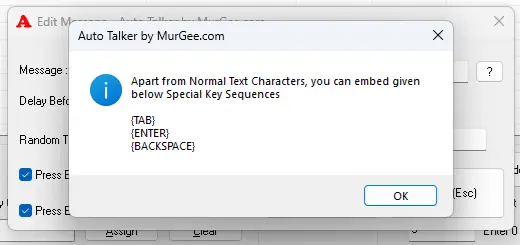
Automate Repetitive or Tedious Text Typing easily on your Windows Computer with Auto Talker by MurGee.com. This Application allows you to Store Multiple Text Sentences which can be typed onto an Application which accepts Keyboard Input. Configurable Time Delay between Text Sentences can be configured, Pressing of Special Keys like Enter, Backspace and Tab Key is also supported.
Free Trial of Auto Talker
Download Free Trial of this Automated Text Typing Software on your Windows 10 or Windows 11 Computer and evaluate all the features. There are no feature restriction(s) in the free trial and is only limited by number of times you can use it. This Software Application Utility is digitally signed and has been scanned for malware / viruses using online antivirus website. In case you want to use this software application after trial usages, you can pay USD 8.76 and use it for up to 3 months on 1 Windows Computer.
Features of Auto Talker
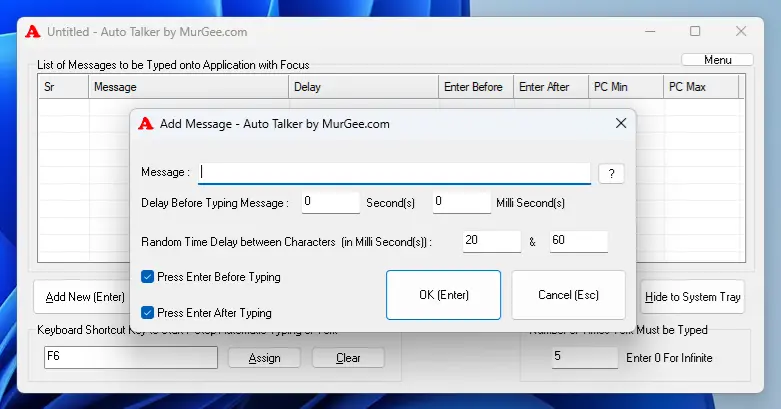
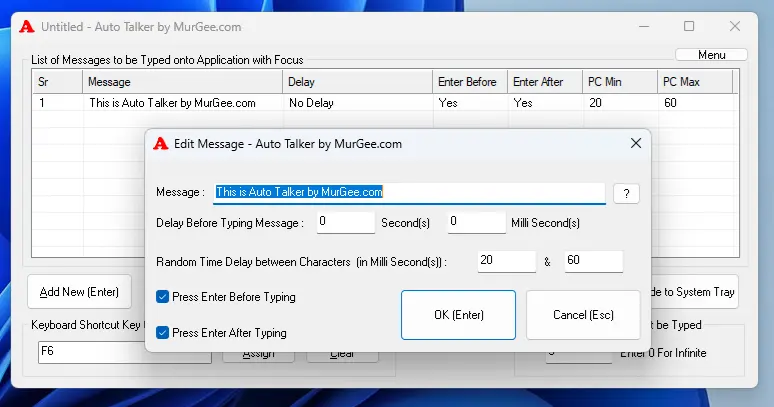
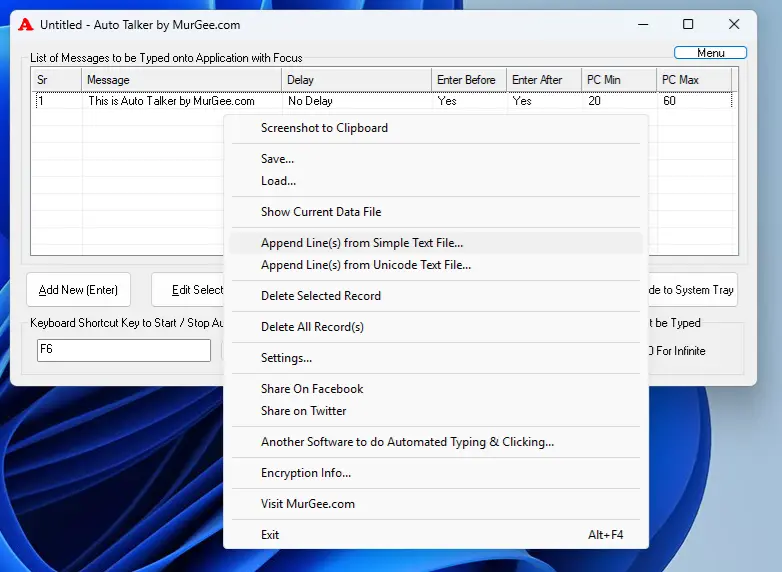
Here you can read about what all features are offered by this Automated Text Typing Software Utility for Windows. You can alternatively have a look at Screenshots displayed below and get a quick idea about all the features without reading.
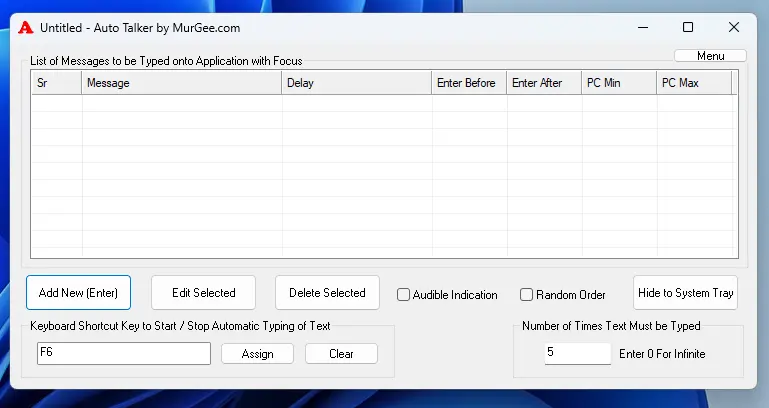
- Automate Typing of Configurable Text Messages in Sequential or Random Order with Configurable Time Delay in between.
- Automated Text Typing can be Started / Stopped with a Configurable Global Keyboard Shortcut.
- List of Text Messages can be Imported from Unicode or ANSI File.
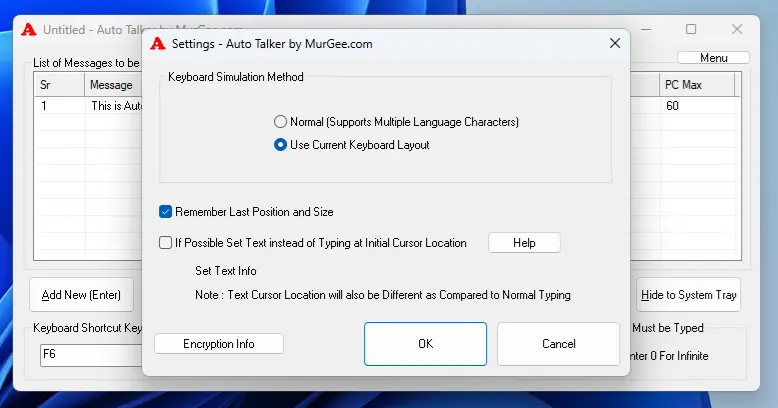
- The Text Typing can be Performed with Current Keyboard Layout or in Unicode Method and can be configured from Settings of the Software.
- The Application Window can be dragged from one screen location to another screen location by dragging it with title bar or from any empty space on the graphical user interface of the application.
- Audio Alert can be enabled to get Notified when automated typing is started and stopped.
- All the Text Messages can be typed single or multiple times. You can even configure it to infinite times, so that automated text typing can be stopped as and when required with the help of global keyboard shortcut.
- The main application window can be resized or even can be maximized to easily view large number of messages added to the list of messages.
Screenshots of Auto Talker for Windows
Here you can view Screenshot of this Automated Text Typing Software Application to get an idea as to what features it offers and whether it can be helpful for your purpose.